
Security Cameras
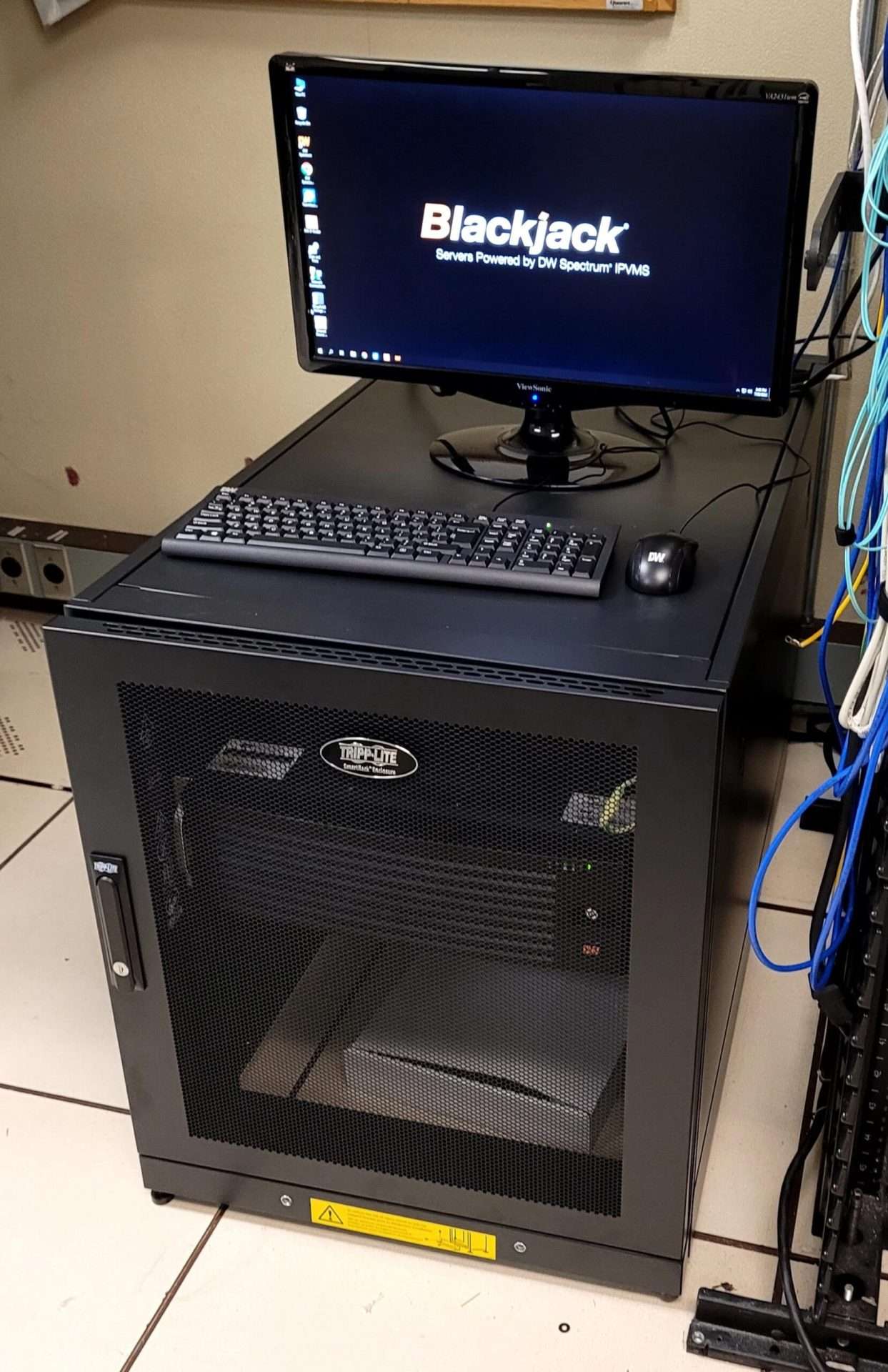
Most people assume that security cameras are purely a physical security measure — that if nothing looks off outside, nothing is wrong digitally either. New research from Huntress security challenges that assumption, and for Long Island homeowners and business owners who run camera systems, the implications matter more than most realize.
What Happened
In late 2026, Huntress researchers identified a pattern: across multiple incidents in September and October, attackers used a camera management application as their initial foothold into business networks. Unlike a physical break-in, the camera itself was never the target — the software used to manage it was.
The attack worked by abusing a legitimate Windows binary called WpcMon.exe to sideload a malicious DLL, establishing a Run Key so the software kept running every time the computer started, and then quietly beaconing to a remote server. The researchers noted that the camera management software’s executable “did not contain an embedded File Version Information section,” making it harder for users to confirm which vendor actually built the application they had installed.
Five Camera Security Myths the Research Refutes
- Myth: If my camera looks normal, my network is safe. Fact: The attacks began with the management software, not the camera feed. A camera can appear perfectly functional while its management application is quietly sending data to an attacker’s server.
- Myth: Cameras are standalone appliances and can’t affect my network. Huntress is explicit: “Camera systems and their management applications should be treated as part of the enterprise attack surface, not isolated appliances.”
- Myth: A brand-name camera means a trustworthy management app. The software in question appeared to come from a Korean vendor, but the application itself offered no embedded version information to confirm its origin — so even a legitimate hardware brand can ship or bundle software that has not been properly vetted.
- Myth: Only large enterprises need to worry about camera software security. The research comes from incidents at businesses of various sizes. Any Long Island business running even a small camera system with a management app on a Windows PC is in the same risk category.
- Myth: If I use local storage, I’m protected. Local storage protects your video from cloud breaches, but it doesn’t protect the computer running the management software, which still connects to your network and can be the point of entry.
What to Do Now
- Inventory every camera management application on your network. Know exactly what software is installed on every computer that manages a camera — and where it came from. Huntress advises that organizations “inventory and restrict access to this software, prevent executables and DLLs from running in user-writable paths.”
- Check for the specific indicators. If you see an executable called rs.win32.exe in a user’s AppData folder, or WpcMon.exe spawning from it, you should investigate that computer as potentially compromised.
- Use application control. Where practical, configure your systems to block unapproved executables and DLLs from running in user-writable paths — this is the single most effective step against the DLL sideloading technique described in the research.
- Monitor for outbound connections from your camera software. If your camera management application is making network connections you don’t expect, that’s your warning sign.
- Get a full security camera assessment. If you run a camera system at your home or business, a professional assessment of both the hardware and the management software is the fastest way to know where your real exposure is.
The broader lesson is that in a connected home or business, every device with software is a potential entry point — not just your email and your website. The cameras that keep you safe on the street can quietly open a door to the room next to them if their management software hasn’t been properly checked.
IAL Total Security designs and installs video surveillance systems for homes and businesses across Smithtown, Suffolk County, and Nassau County. If you’re not sure whether your current setup is properly secured, a walkthrough of your system is the best way to find out. Call (631) 724-2500 or schedule a video surveillance assessment today. You can also see how IAL handles the full range of security services for Long Island properties.